




More in Remodeling
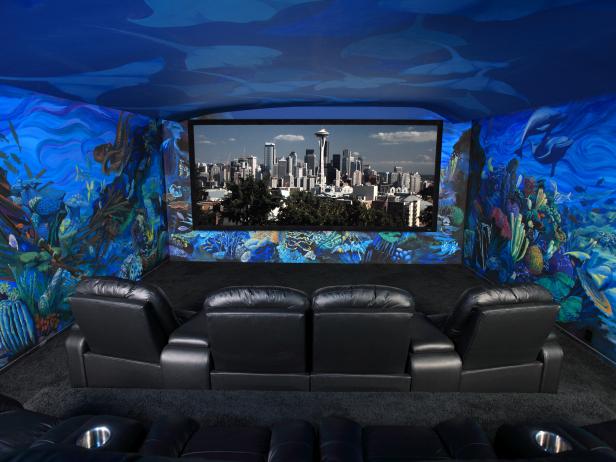
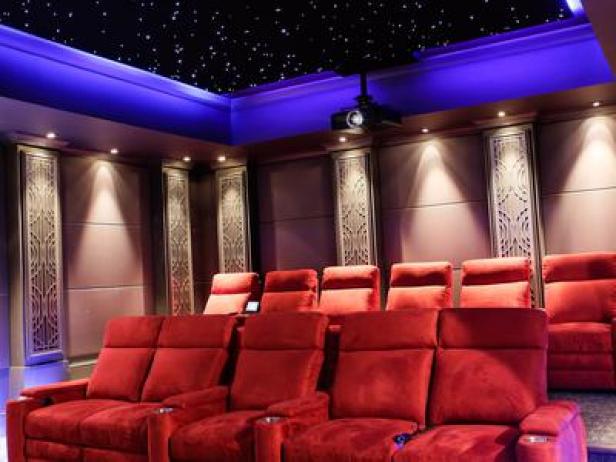
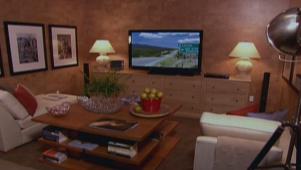
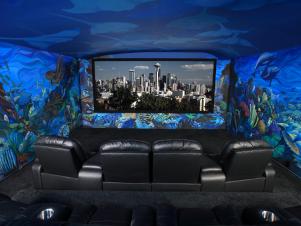
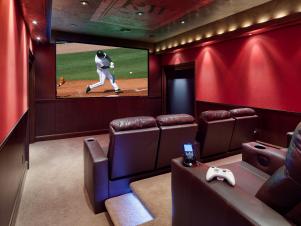
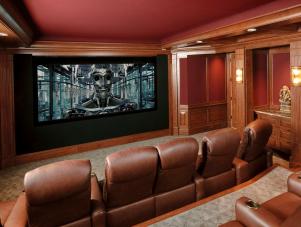
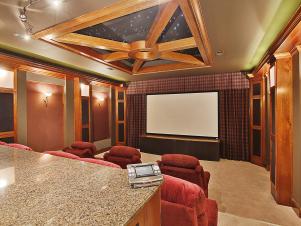
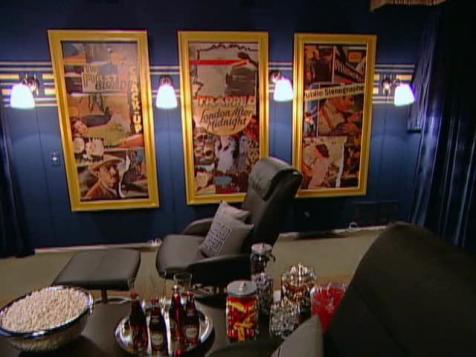
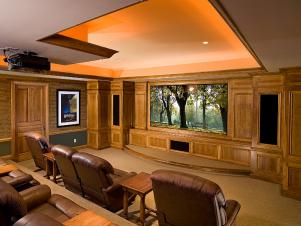
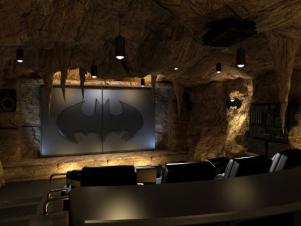
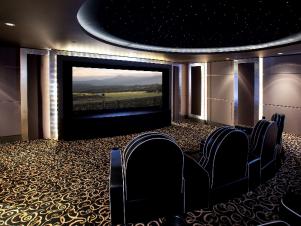
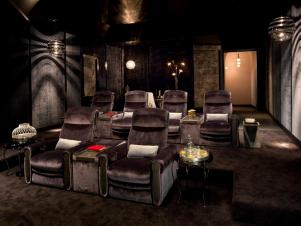
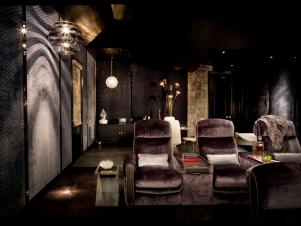
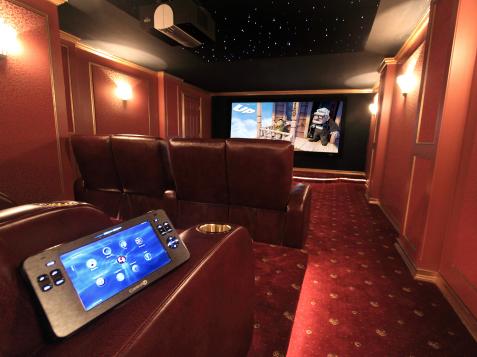
This project involves designing and framing in a home theater system with a recessed screen, sound-dampening walls and ceilings, lighting and speakers.
It's wise to work with a professional to design the space to insure that you will have the proper height of the recessed screen, the proper distances to the seats, the best surround sound systems and the like.
The framing involves building a 2x4 structure inside the basement walls. The actual design is dependent on the height of the ceiling and the layout of the room.
When the framing is done, drill holes in the studs to run electrical, audio, video and other cables through the framing (Image 2). Leave wires exposed behind the screen for a center speaker, on either side of the screen for right and left speakers and in the ceiling for the projector. Make sure all cables can reach to the back of the space, where all the components are housed. Running AV cords behind the walls gives the room a tidy and professional appearance.
When the cabling is done, install soundboard and drywall on the walls. Tape and mud the drywall; sand, re-mud and finish sanding the walls.
After installing a soundboard and the drywall, prime the room (in this project, the homeowner chose a cobalt blue. The room was finished with a navy blue.
Tip: For a dark navy color finish color, priming the drywall with a dark primer saves you from painting more coats of your final color. And a dark room will provide you with the best image from your home theater.
When the paint dries, install the peripherals. Cut holes in the drywall for the wall-mounted speakers (Image 1), attach the AV cables to the speakers (Image 2) and secure the speaker to the wall with screws (Image 3). Balancing the sound with a right speaker, a left speaker and a center speaker provides optimum sound quality.
Mount the custom-built projector screen into the recessed space (Image 1).
Next, attach the projector to the ceiling mount according to the component manufacturer's instructions. After mounting it correctly, calibrate the image to the screen (Image 2).
Tip: The most important home theater investment is in the video system, whether it is a projector or a television.
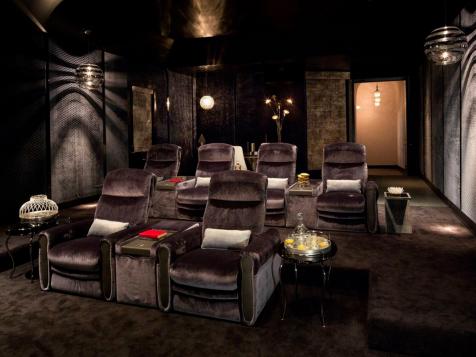
Next mount the DVD player, stereo and receiver in the AV rack, and attach all the cables. Test the image and sound quality to make sure all of the system components run smoothly.
Advertisement
All fields are required.
Signing in

Please enter your email address and we will send your password
E-mail Address
Your password has been sent and should arrive in your mailbox very soon.
Sign up with DIY Network to share tips with other do-it-yourselfers and comment and ask questions on projects.
It's free and easy.